Spec Kit Commands
Spec Kit commands generate structured content and save it to your project Wiki under Raaghu Spec Kit/ (older projects may still use Speckit/). Run them from the chat panel Command dropdown or by typing the command.
Prefer guided cards without slash commands? Use Workflows or the Boards Context Menu first. This page is the full command reference.
Recommended first path: constitution → specify → clarify → plan → tasks → sync on Visuals. Walkthrough: Your First Feature.
Before you start: Make sure AI is connected and Spec Kit is initialized. Organization admins and Project Administrators use Settings. If you do not see Settings, ask an admin.
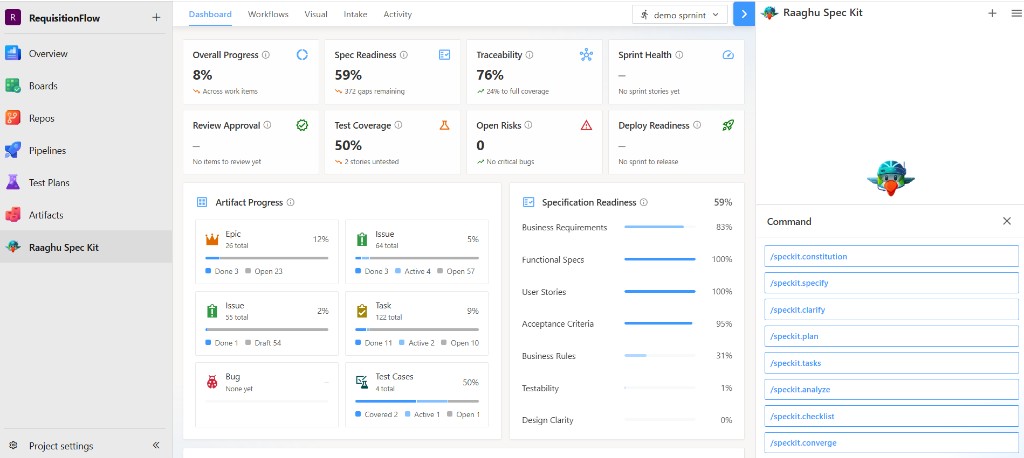
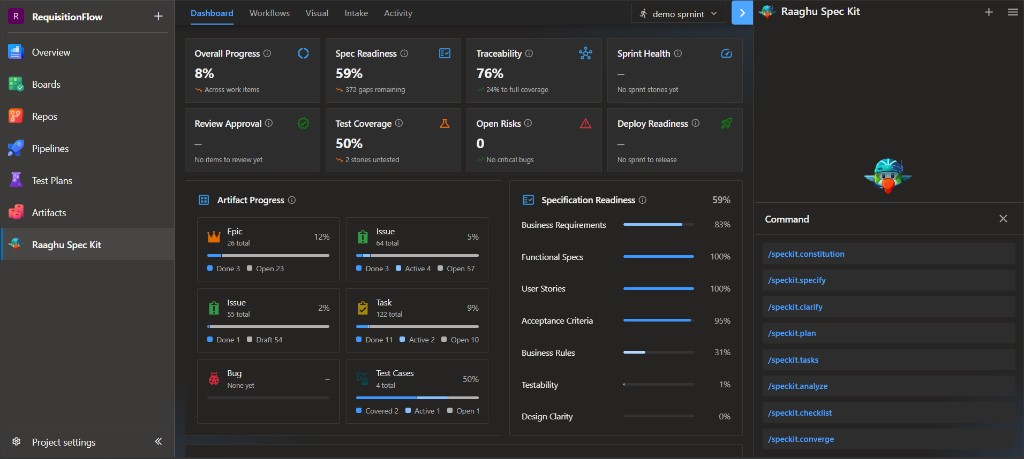
Command help (ⓘ)
Open the Command dropdown to pick a Spec Kit command. Use the ⓘ buttons for in-product help:
- Next to the Command title — opens How to use commands (select a command, add a short description, press Enter), with an example
- Next to each command — opens a popover with Description, What to enter, and an Example for that command


The commands
| Command | Purpose | Saved to (Wiki) |
|---|---|---|
/speckit.constitution | Define project principles and guardrails | Raaghu Spec Kit/specify/memory/constitution |
/speckit.specify | Build a feature specification with requirements and acceptance criteria | Raaghu Spec Kit/specs/NNN-feature-name/spec |
/speckit.clarify | Detect ambiguities, ask questions, and update the spec | Updates the feature spec |
/speckit.plan | Create a technical implementation plan | Raaghu Spec Kit/specs/NNN-feature-name/plan |
/speckit.tasks | Break the plan into a phased task list | Raaghu Spec Kit/specs/NNN-feature-name/tasks |
/speckit.analyze | Cross-check spec, plan, tasks, and constitution for gaps | Report in chat |
/speckit.checklist | Generate a requirements-quality checklist | Raaghu Spec Kit/specs/NNN-feature-name/checklists/… |
/speckit.converge | After code is pushed, compare the repo to the spec/plan/tasks and append remaining tasks | Appends to tasks |
In Settings → Commands Mapping, switch between Default (friendly names) and Spec Kit (speckit.* IDs). Example: "Create Specification" is the same as /speckit.specify.
Recommended order
Run commands in this order. The constitution is set once per project; the others are run per feature.
| Order | Command | Required | Description |
|---|---|---|---|
| 1 | /speckit.constitution | Yes (once) | Set project principles |
| 2 | /speckit.specify | Yes | Define what to build |
| 3 | /speckit.clarify | Recommended | Clarify underspecified areas before planning |
| 4 | /speckit.plan | Yes | Define the tech stack and implementation plan |
| 5 | /speckit.tasks | Yes | Generate the task list |
| 6 | /speckit.analyze | Optional | Consistency and coverage analysis |
| 7 | /speckit.checklist | Optional | Requirements-quality checklist |
| 8 | /speckit.converge | Optional (after push) | Reconcile code against the spec |
CREATE vs UPDATE
Most commands are incremental:
- CREATE — when no file exists yet for the current feature, the command generates it from a template.
- UPDATE — when a file already exists, the command adds new content and keeps what you already have.
/speckit.specify creates the next numbered spec by default. It updates an existing spec only when you explicitly ask (for example, update this spec or name specs/001-feature-name). After specify runs, clarify, plan, tasks, analyze, and converge stay on that feature until you name another.
Examples
/speckit.constitution Create principles focused on code quality, testing standards, user experience consistency, and performance requirements
/speckit.specify Build an app to organize photos into date-grouped albums, with drag-and-drop reordering and a tile preview inside each album.
/speckit.clarify
/speckit.plan Use Vite with minimal libraries. Prefer vanilla HTML, CSS, and JavaScript. Store metadata in a local SQLite database.
/speckit.tasks
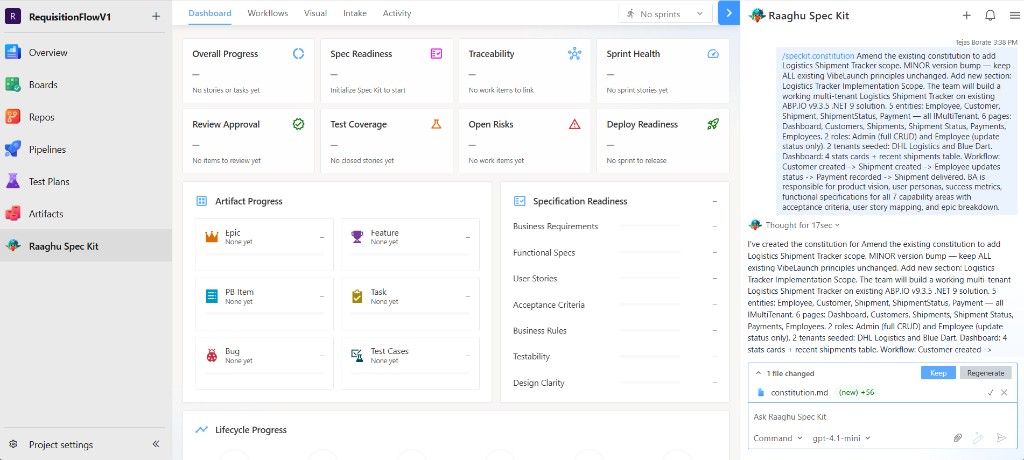
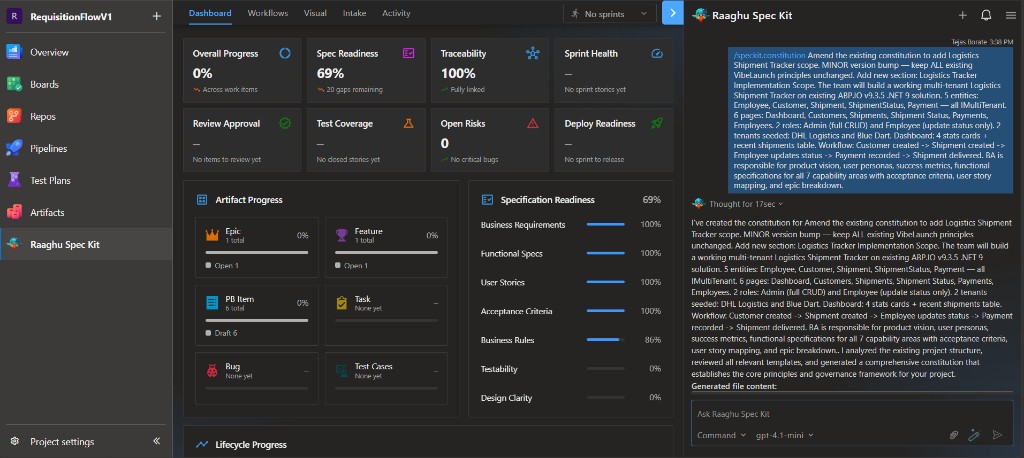
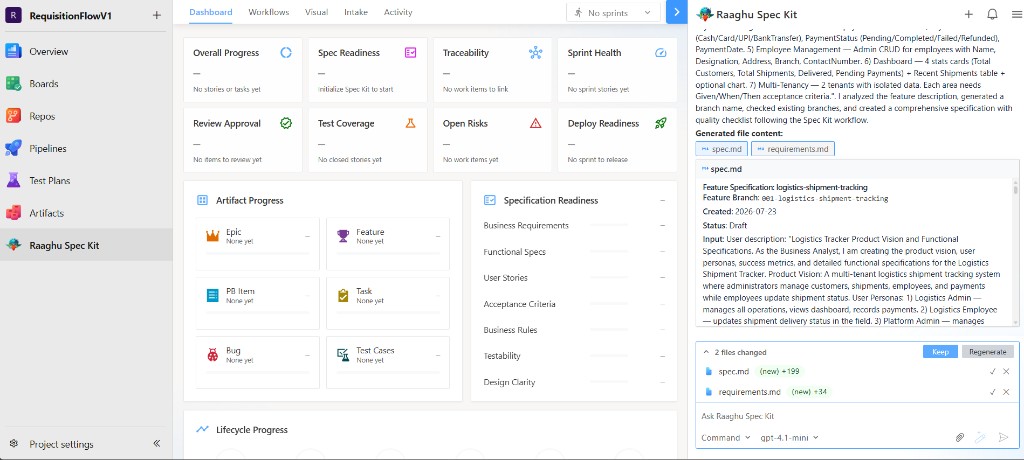
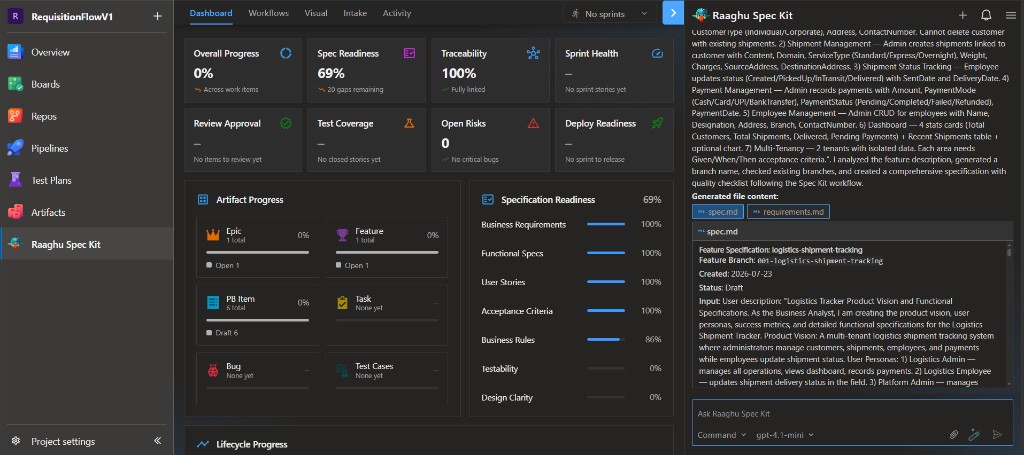
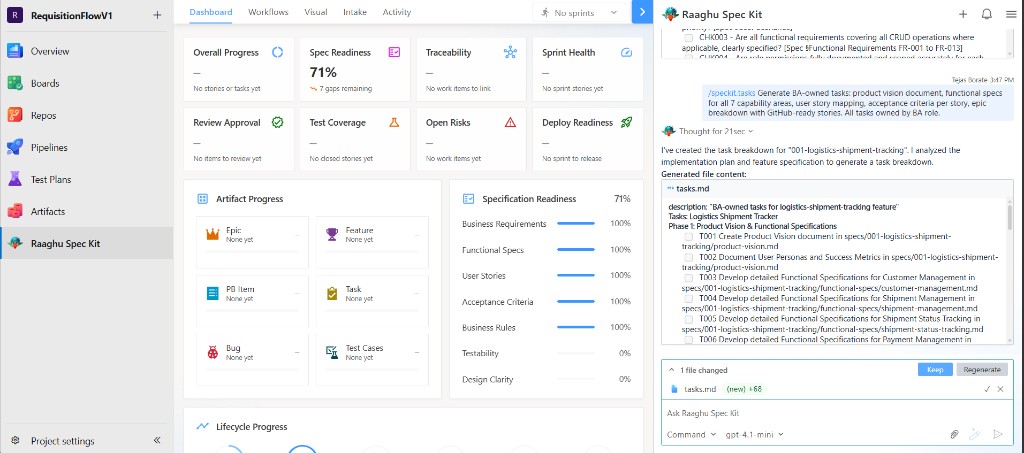
After a command runs, review the preview and choose Keep or Regenerate.
/speckit.constitution
Sets project principles (once per project). Preview the draft, then Keep.
/speckit.specify
Creates the feature spec (and related pages such as requirements) under Raaghu Spec Kit/specs/NNN-feature-name/ (or Speckit/… on older projects).
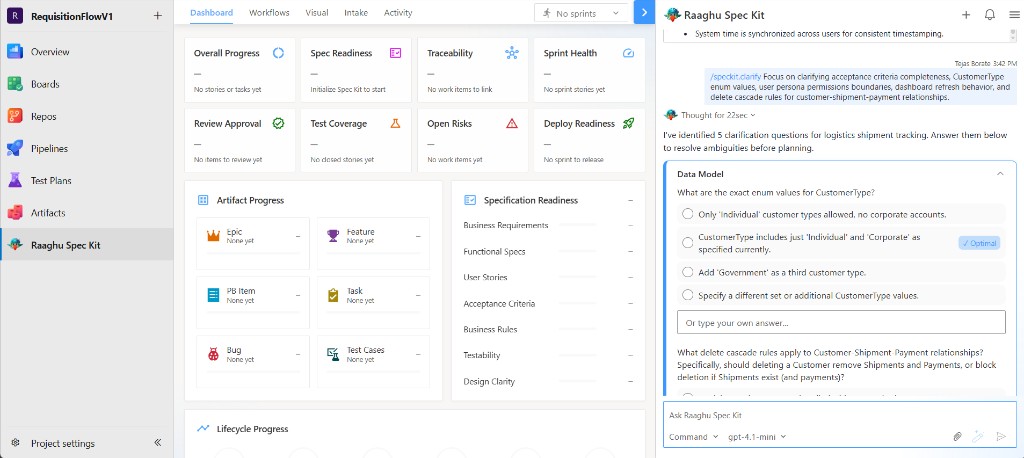
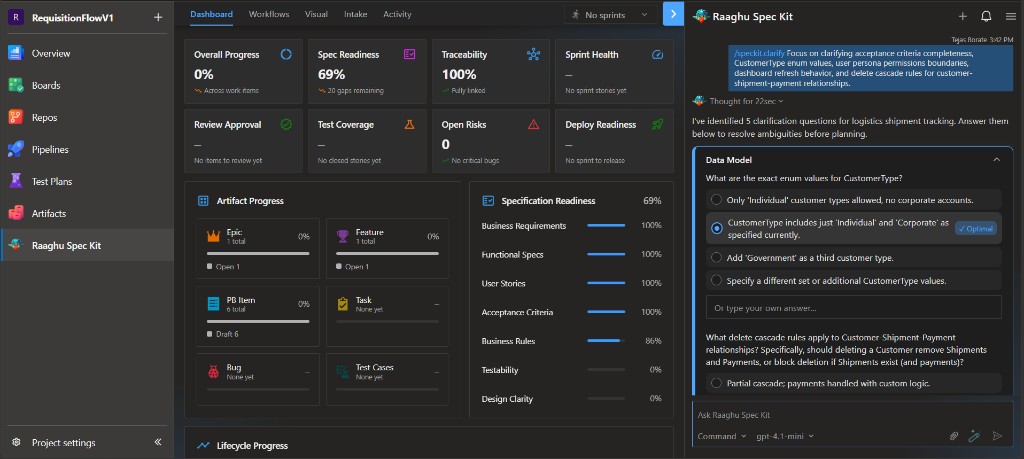
/speckit.clarify
Asks clarification questions in chat (often with an Optimal suggestion). Answer them so gaps are folded back into the spec.
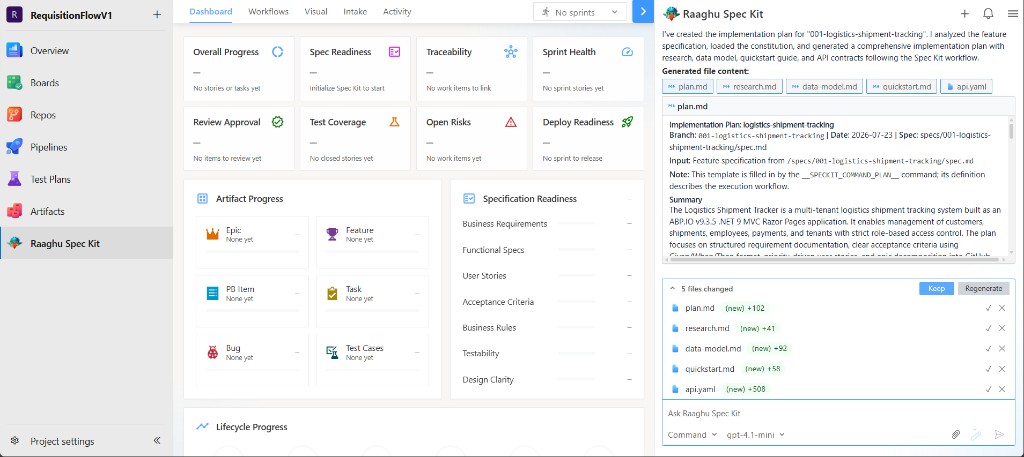
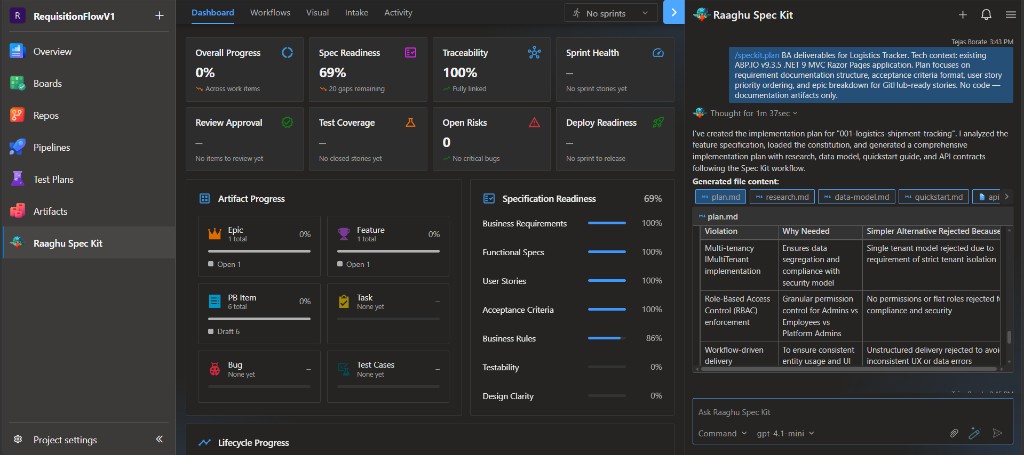
/speckit.plan
Generates the implementation plan and related files (plan, research, data-model, and similar).
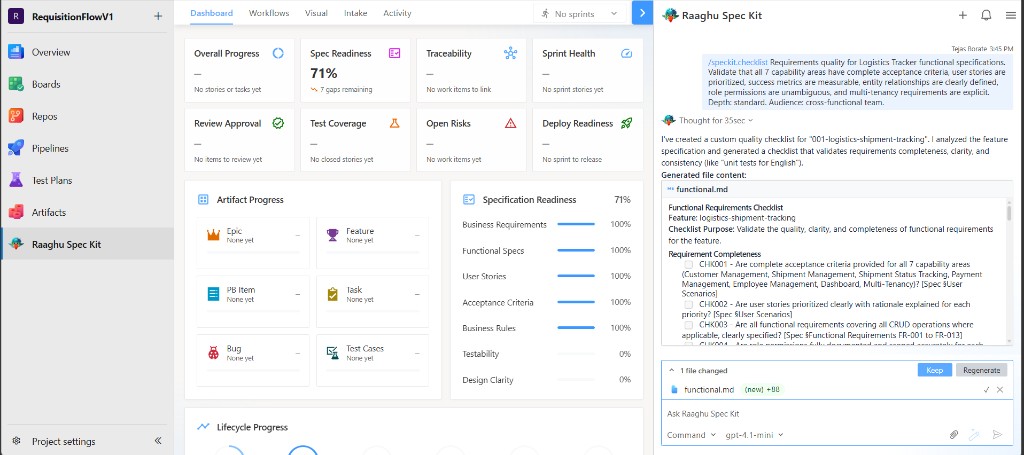
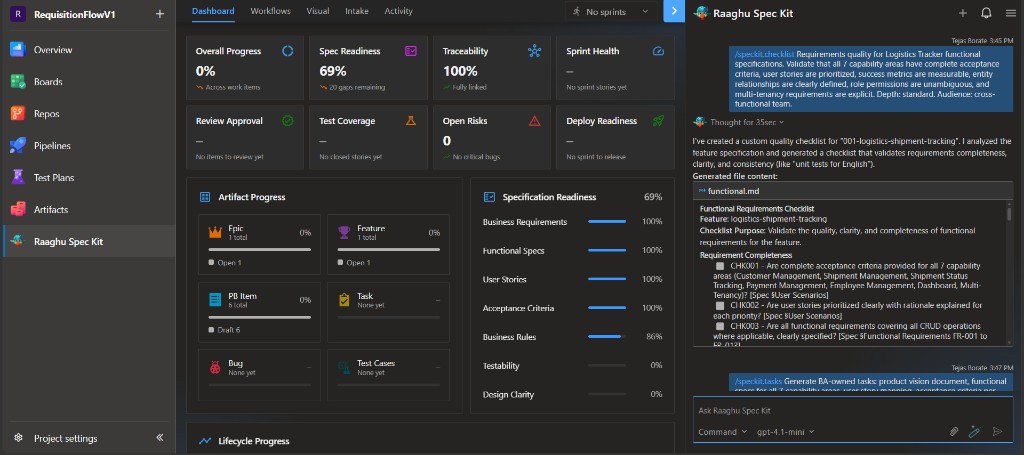
/speckit.checklist
Creates a requirements-quality checklist under the feature checklists/ folder.
/speckit.tasks
Breaks the plan into a phased tasks list.
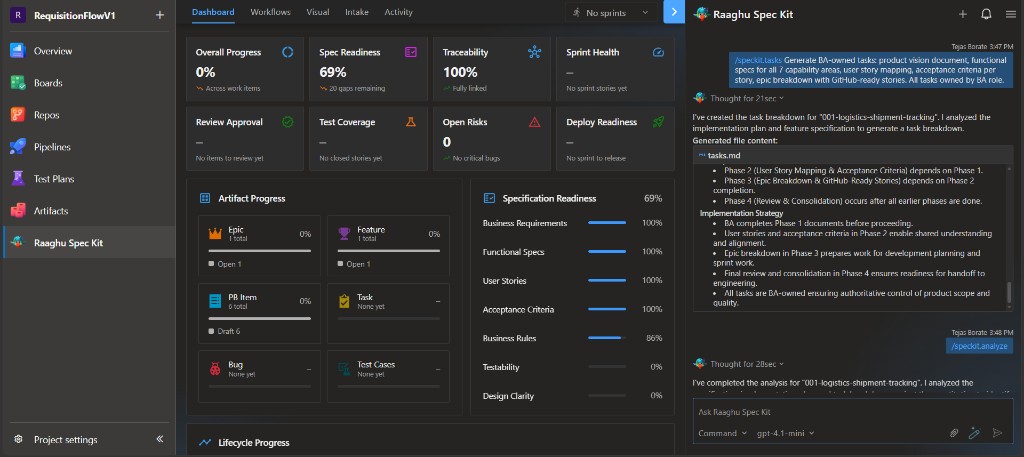
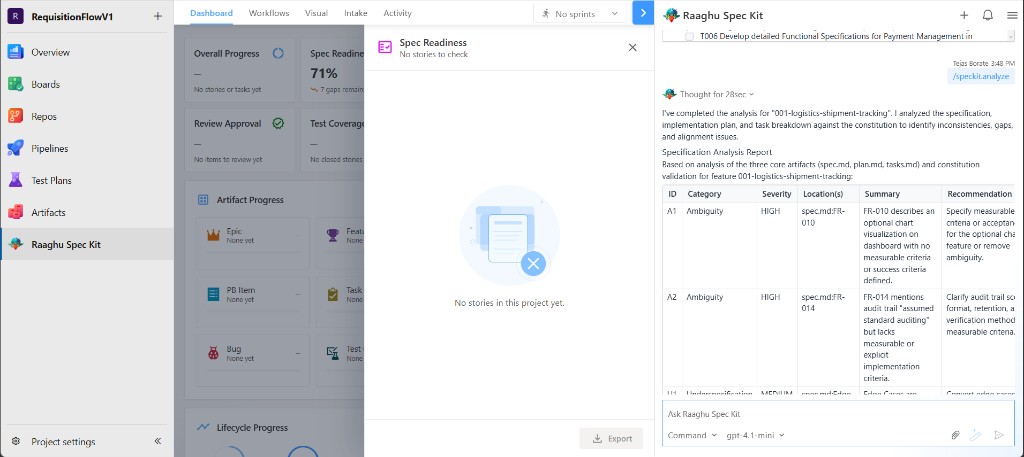
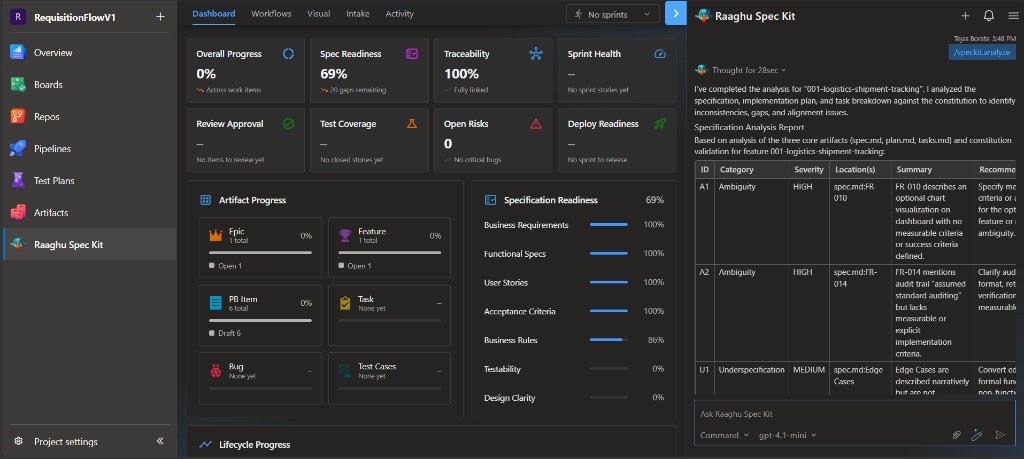
/speckit.analyze
Cross-checks spec, plan, tasks, and constitution. Results appear as an analysis report in chat (gaps, severity, and recommendations).
Workflows vs commands
- Commands (
/speckit.*) are direct actions you run from chat. - Workflows are guided multi-step conversations from the Workflows tab that use the same engine.
For a full walkthrough, see Your First Feature.