Initialize Spec Kit
Before you can generate specifications, plans, and tasks, you must initialize Spec Kit for your project. Initialization sets up Spec Kit files in your project Wiki. Do this once per project.
Prerequisites
- Complete Installation and Launch, authorize with Microsoft, and have a seat
- A project Wiki (the extension creates one if needed)
- Outbound HTTPS access to GitHub.com (templates are fetched from the open-source Spec Kit repository)
What initialization does
Initialization runs in your browser (no build pipeline or agent is required). It:
- Runs pre-flight checks — confirms GitHub access and finds or creates the project Wiki.
- Checks whether Spec Kit is already initialized.
- Fetches Spec Kit templates, command definitions, and scripts from GitHub.
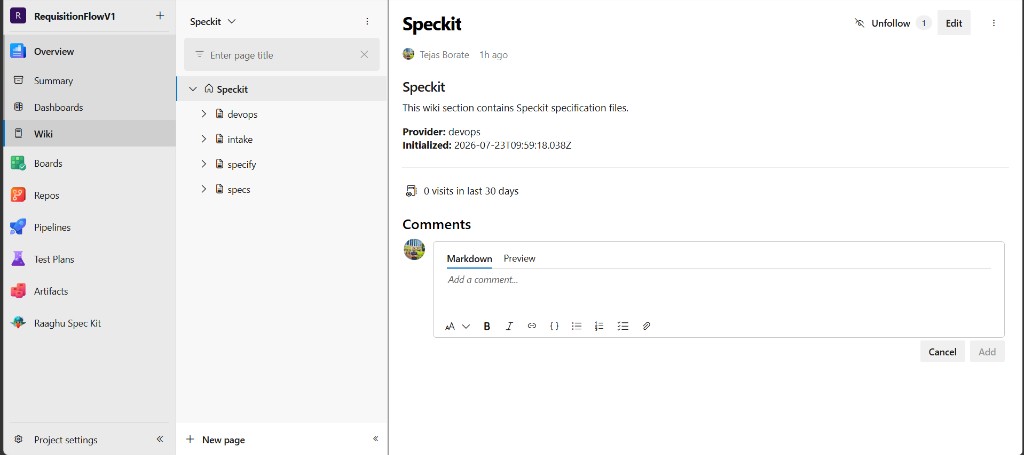
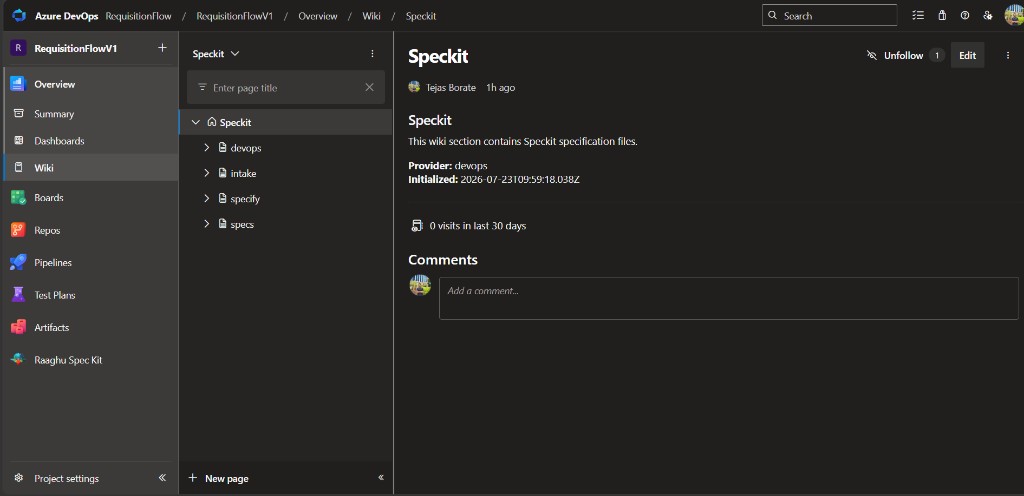
- Creates a
Speckitroot page in the wiki. - Writes the fetched files under
Speckit/.
You will see progress messages such as "Running pre-flight checks…", "Fetching Speckit files from GitHub…", "Writing file X/Y…", and finally "Initialization complete!".
Steps
- Open Raaghu Spec Kit. If Spec Kit is not initialized, the right panel shows Initialize Spec Kit.
- Click Initialize Spec Kit.
- Wait for "Initialization complete!".
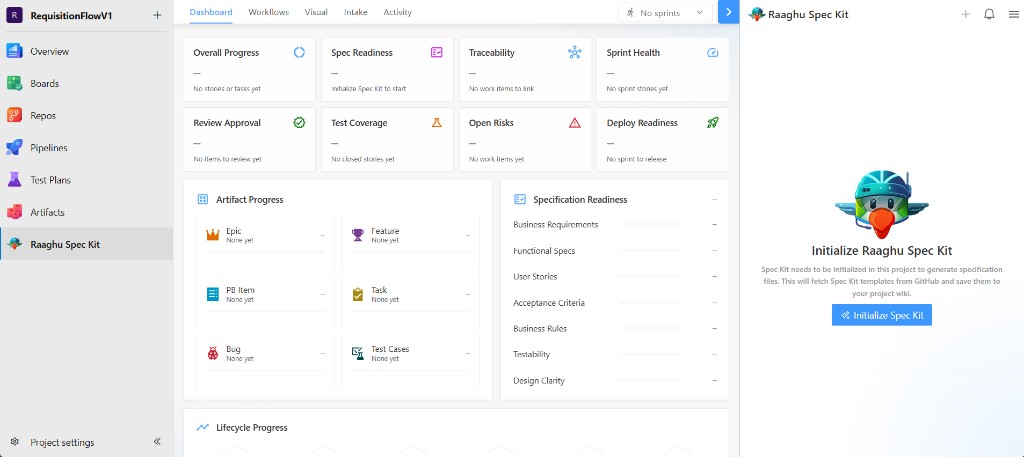
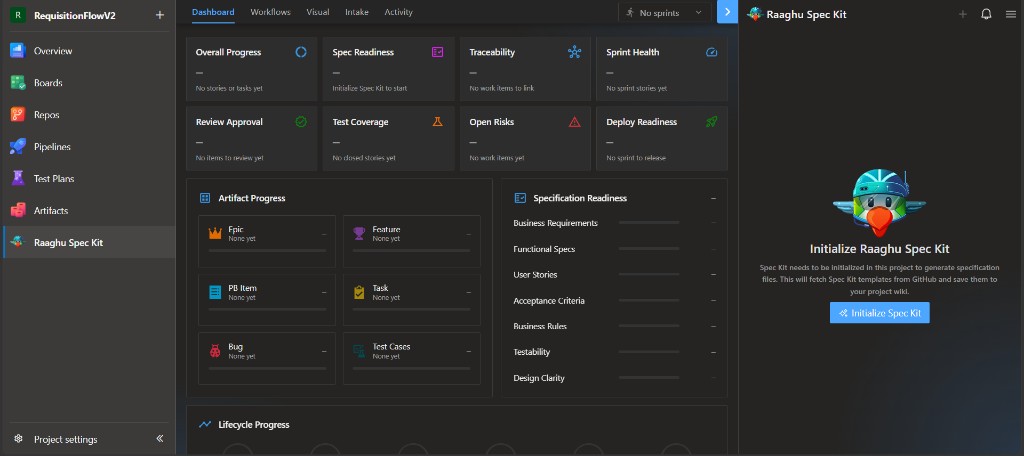
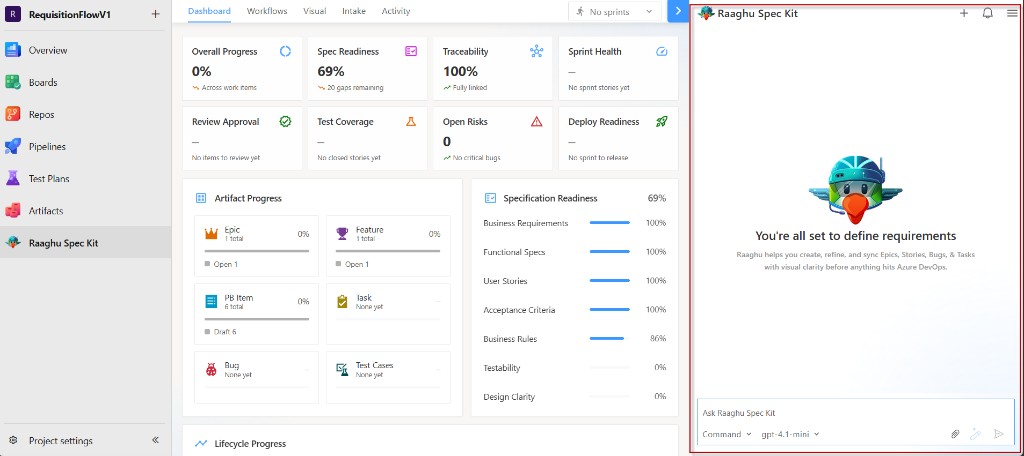
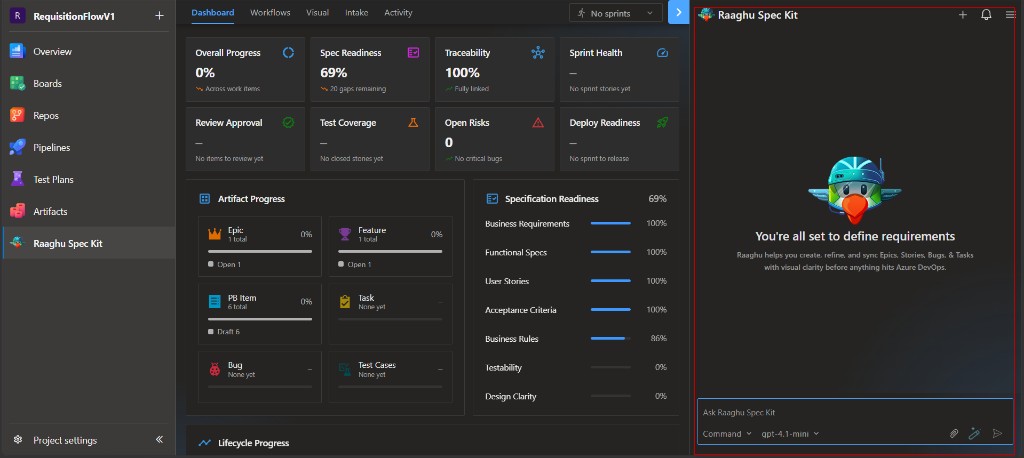
When it finishes, the chat panel opens and the Dashboard becomes available.
What gets created in the Wiki
Speckit/
├── specify/          ← engine files, memory, templates
│   ├── memory/       ← project constitution is saved here
│   ├── scripts/
│   └── templates/
└── devops/           ← command definitions
Later commands add folders such as specs/ (one folder per feature) and intake/. You normally do not edit these engine folders by hand.
Azure DevOps Wiki pages are stored without a .md extension. A path like specs/001-feature-name/spec is a wiki page named spec.
Re-initializing
If Spec Kit already exists and you initialize again, you are asked to confirm before overwriting. Choose Yes, Update or Cancel.
Re-init is only for recovery. You do not need to initialize every time you open the project.
Common errors
| Message | What to do |
|---|---|
| "GitHub API rate limit reached…" | Wait a few minutes, then retry |
| "Cannot reach GitHub to fetch Speckit files…" | Check network or firewall access to GitHub.com, then retry |
| "Could not create the project wiki automatically…" | Open the Wiki tab in your project, create the project wiki, then initialize again |
See also Troubleshooting.
Next steps
- Settings — Connect an AI provider
- Your First Feature
- Chat Panel