Spec Kit Commands
Spec Kit commands generate structured content and save it to your project Wiki under Speckit/. Run them from the chat panel Command dropdown or by typing the command.
Before you start: Connect an AI provider in Settings and initialize Spec Kit.
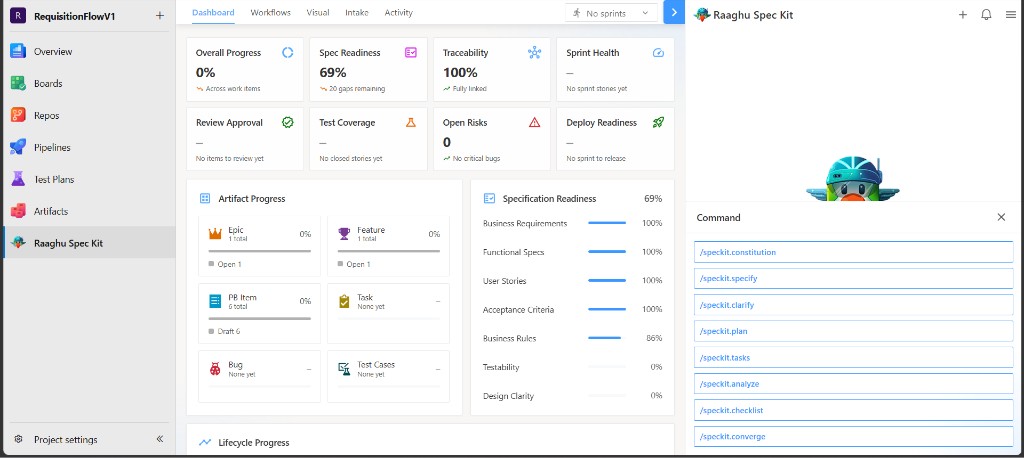
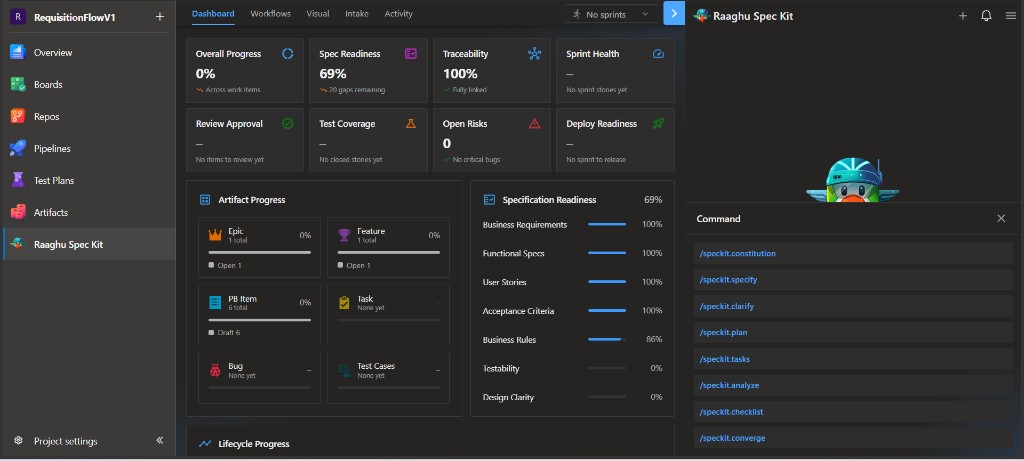
The commands
| Command | Purpose | Saved to (Wiki) |
|---|---|---|
/speckit.constitution | Define project principles and guardrails | Speckit/specify/memory/constitution |
/speckit.specify | Build a feature specification with requirements and acceptance criteria | Speckit/specs/NNN-feature-name/spec |
/speckit.clarify | Detect ambiguities, ask questions, and update the spec | Updates the feature spec |
/speckit.plan | Create a technical implementation plan | Speckit/specs/NNN-feature-name/plan |
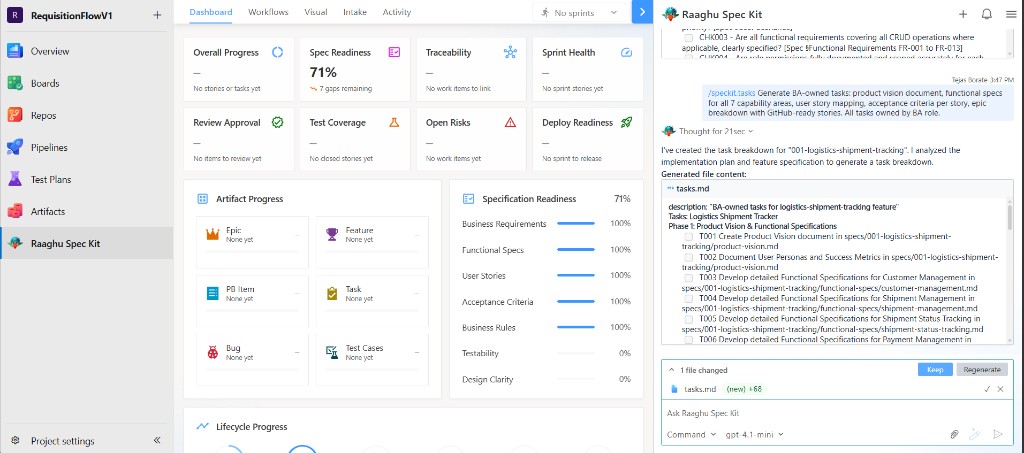
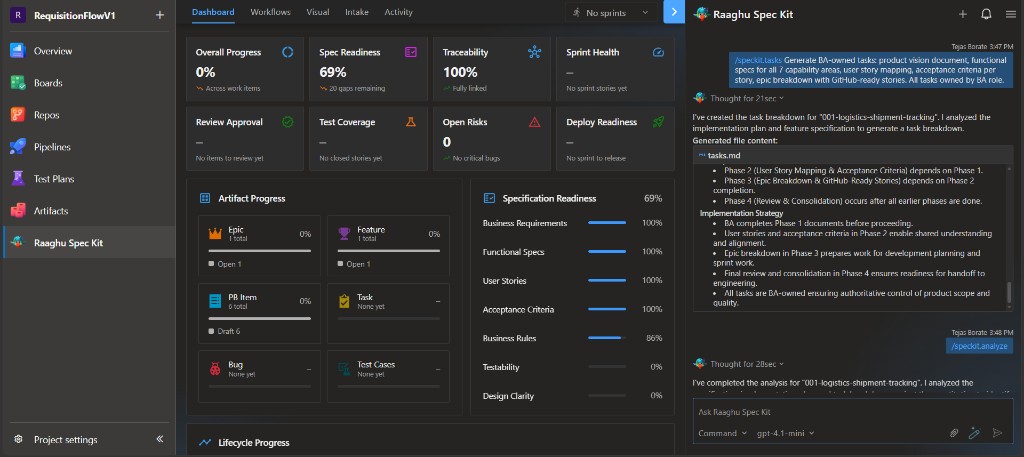
/speckit.tasks | Break the plan into a phased task list | Speckit/specs/NNN-feature-name/tasks |
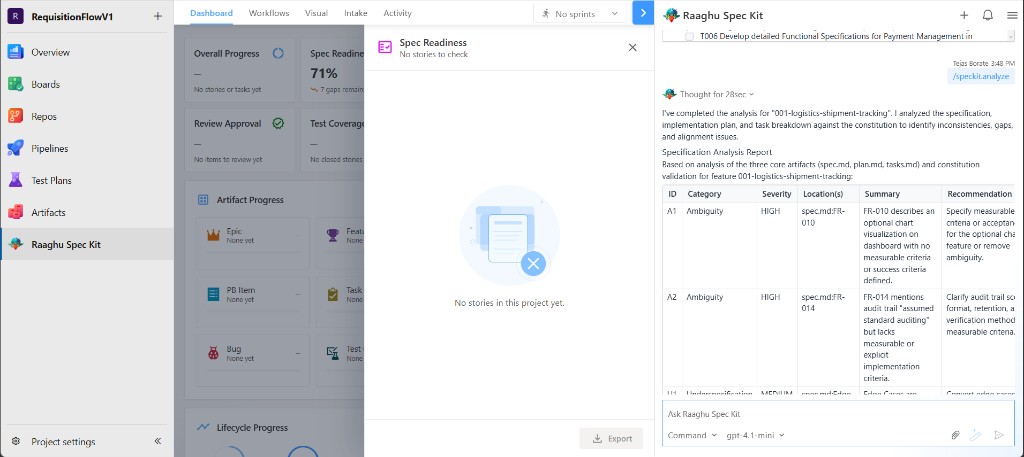
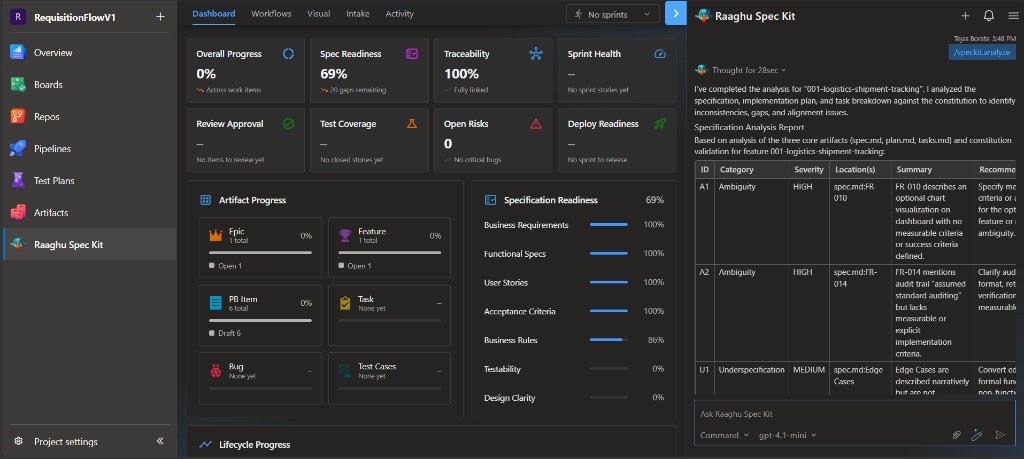
/speckit.analyze | Cross-check spec, plan, tasks, and constitution for gaps | Report in chat |
/speckit.checklist | Generate a requirements-quality checklist | Speckit/specs/NNN-feature-name/checklists/… |
/speckit.converge | After code is pushed, compare the repo to the spec/plan/tasks and append remaining tasks | Appends to tasks |
In Settings → Commands Mapping, switch between Default (friendly names) and Spec Kit (speckit.* IDs). Example: "Create Specification" is the same as /speckit.specify.
Recommended order
Run commands in this order. The constitution is set once per project; the others are run per feature.
| Order | Command | Required | Description |
|---|---|---|---|
| 1 | /speckit.constitution | Yes (once) | Set project principles |
| 2 | /speckit.specify | Yes | Define what to build |
| 3 | /speckit.clarify | Recommended | Clarify underspecified areas before planning |
| 4 | /speckit.plan | Yes | Define the tech stack and implementation plan |
| 5 | /speckit.tasks | Yes | Generate the task list |
| 6 | /speckit.analyze | Optional | Consistency and coverage analysis |
| 7 | /speckit.checklist | Optional | Requirements-quality checklist |
| 8 | /speckit.converge | Optional (after push) | Reconcile code against the spec |
CREATE vs UPDATE
Most commands are incremental:
- CREATE — when no file exists yet for the current feature, the command generates it from a template.
- UPDATE — when a file already exists, the command adds new content and keeps what you already have.
Examples
/speckit.constitution Create principles focused on code quality, testing standards, user experience consistency, and performance requirements
/speckit.specify Build an app to organize photos into date-grouped albums, with drag-and-drop reordering and a tile preview inside each album.
/speckit.clarify
/speckit.plan Use Vite with minimal libraries. Prefer vanilla HTML, CSS, and JavaScript. Store metadata in a local SQLite database.
/speckit.tasks
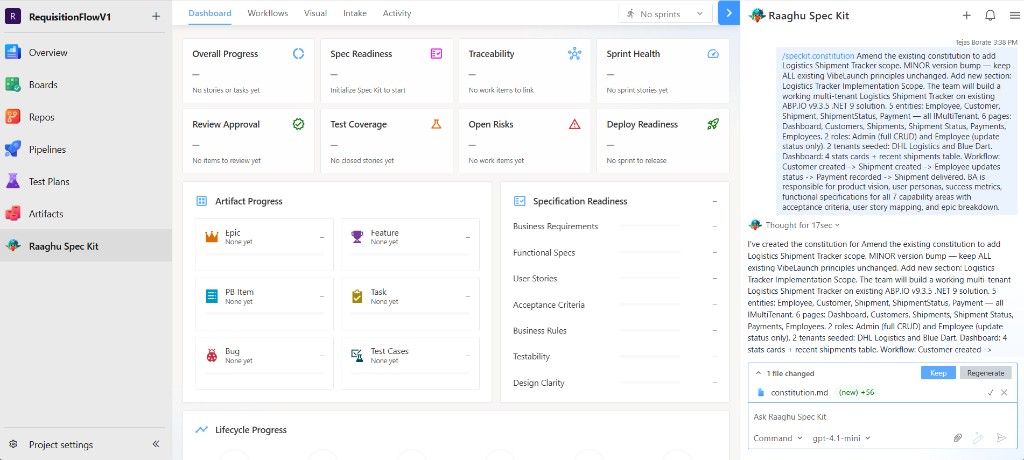
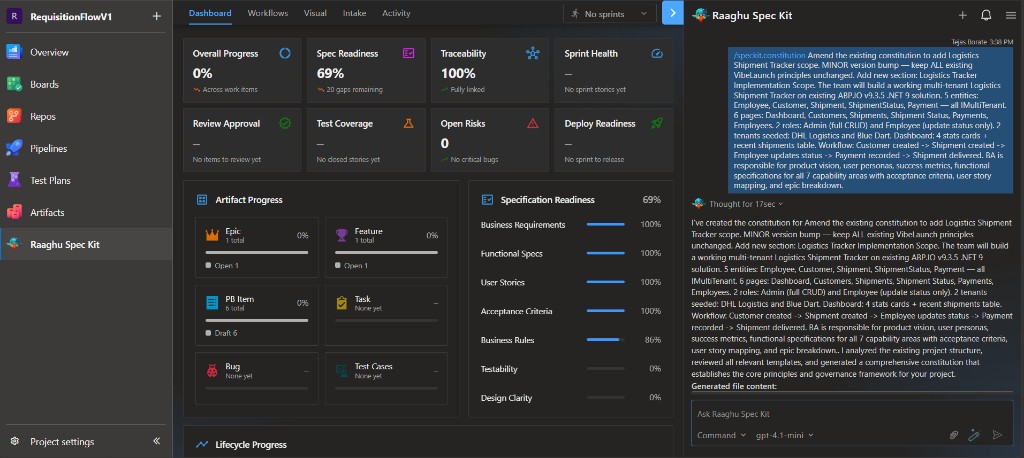
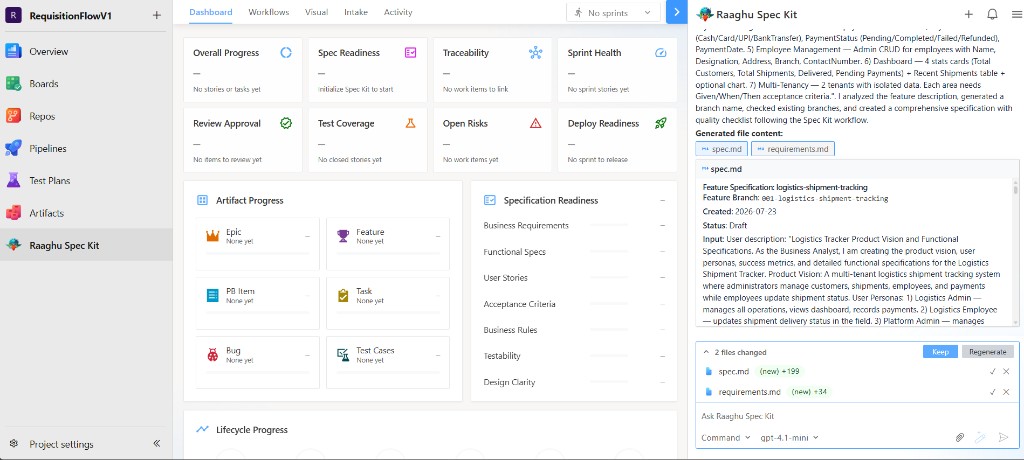
After a command runs, review the preview and choose Keep or Regenerate.
/speckit.constitution
Sets project principles (once per project). Preview the draft, then Keep.
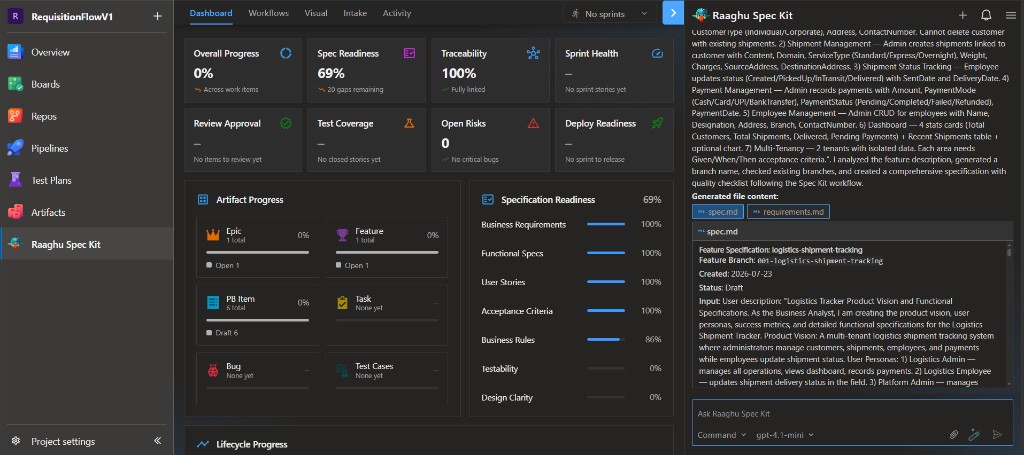
/speckit.specify
Creates the feature spec (and related pages such as requirements) under Speckit/specs/NNN-feature-name/.
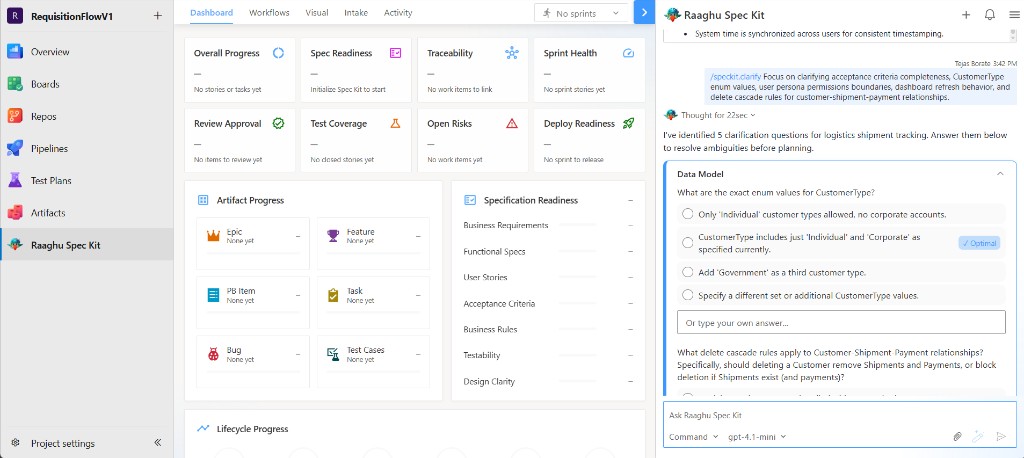
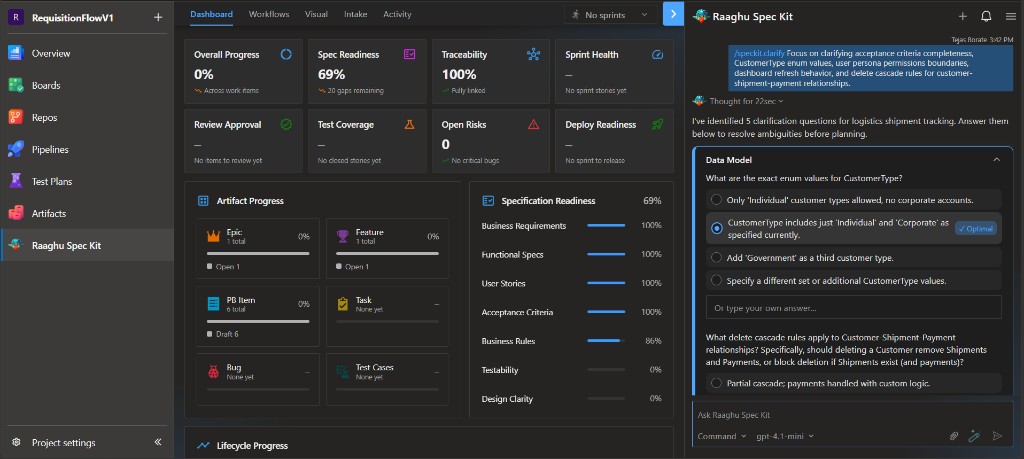
/speckit.clarify
Asks clarification questions in chat (often with an Optimal suggestion). Answer them so gaps are folded back into the spec.
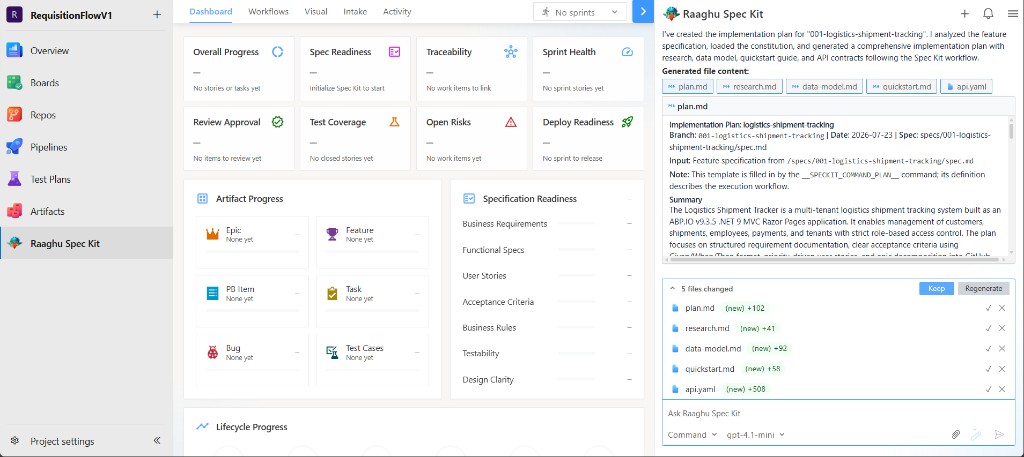
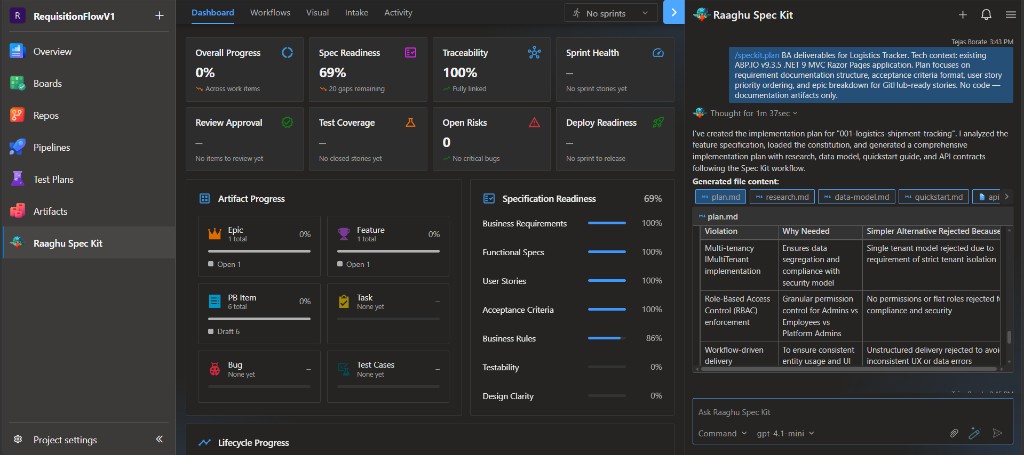
/speckit.plan
Generates the implementation plan and related files (plan, research, data-model, and similar).
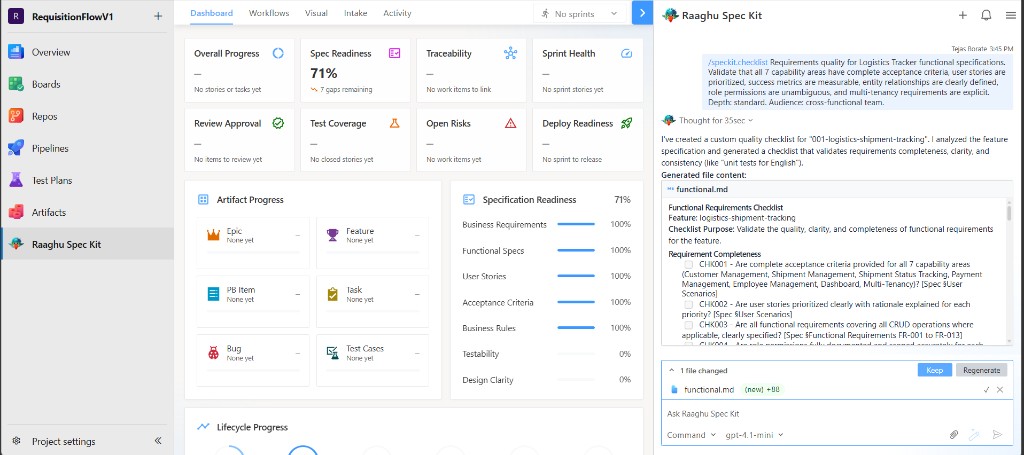
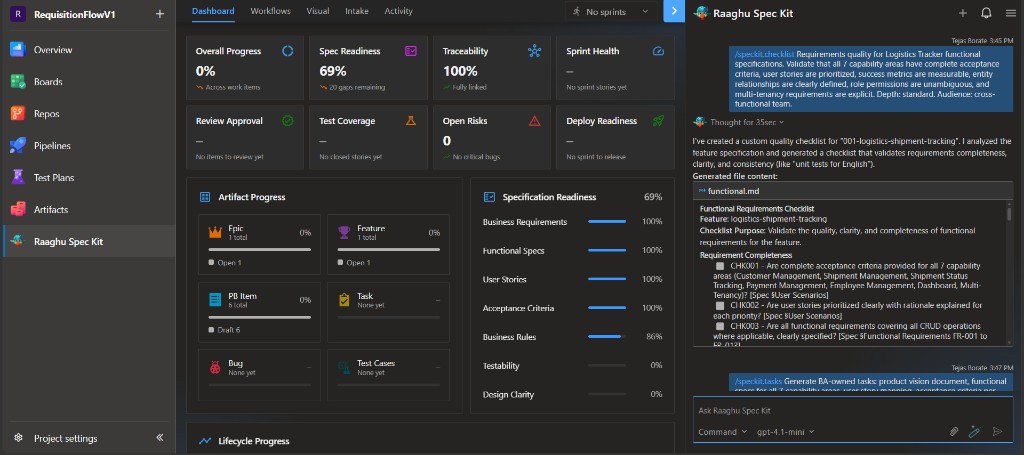
/speckit.checklist
Creates a requirements-quality checklist under the feature checklists/ folder.
/speckit.tasks
Breaks the plan into a phased tasks list.
/speckit.analyze
Cross-checks spec, plan, tasks, and constitution. Results appear as an analysis report in chat (gaps, severity, and recommendations).
Workflows vs commands
- Commands (
/speckit.*) are direct actions you run from chat. - Workflows are guided multi-step conversations from the Workflows tab that use the same engine.
For a full walkthrough, see Your First Feature.