Activity
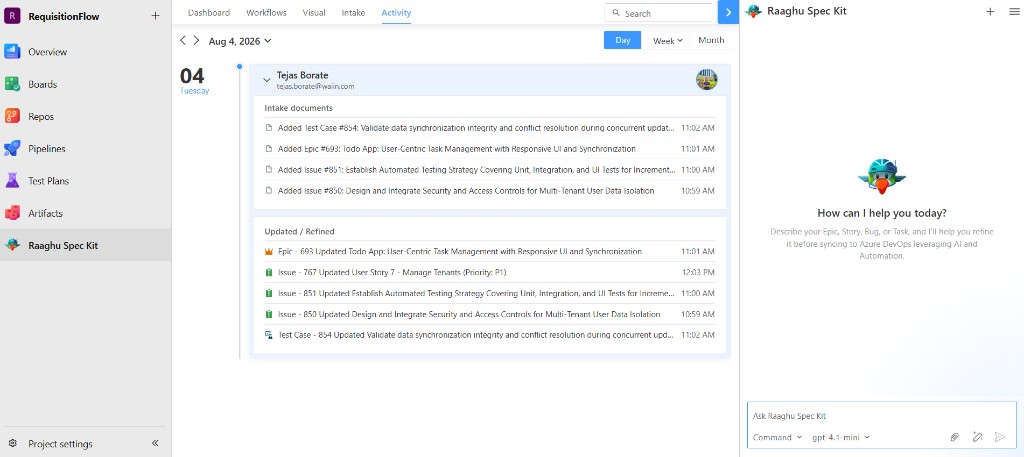
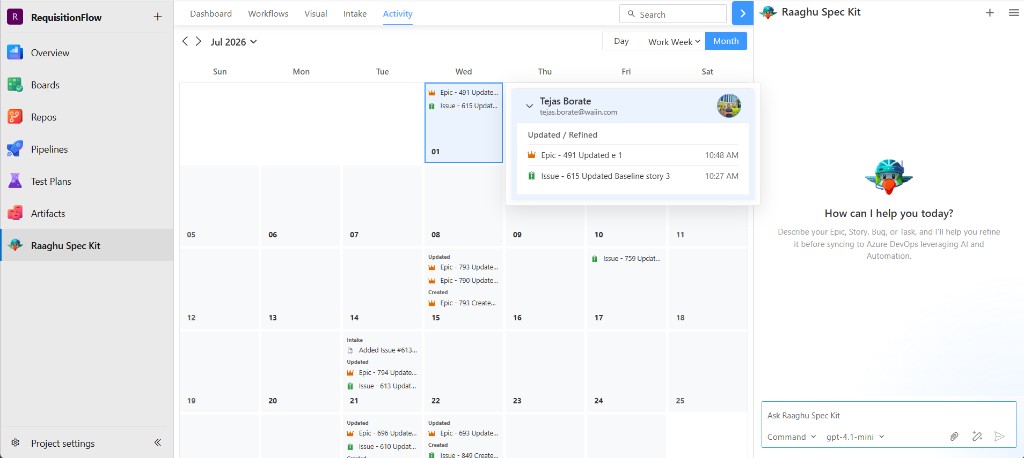
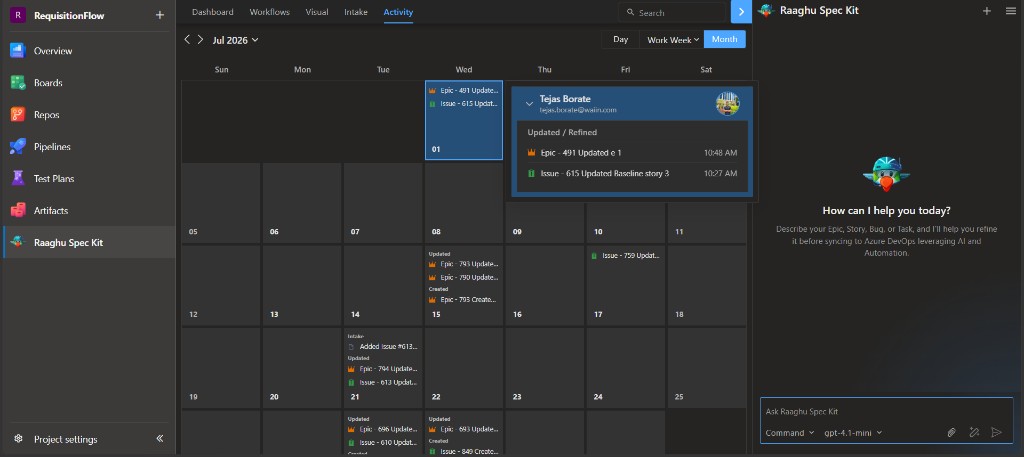
The Activity tab is a timeline of what happened in your project — work items created, updated, or deleted, and intake documents added — grouped by person and date.
The tab is empty until Spec Kit or Boards activity exists in the project (for example after Your First Feature or Intake).
Views
Switch among three views:
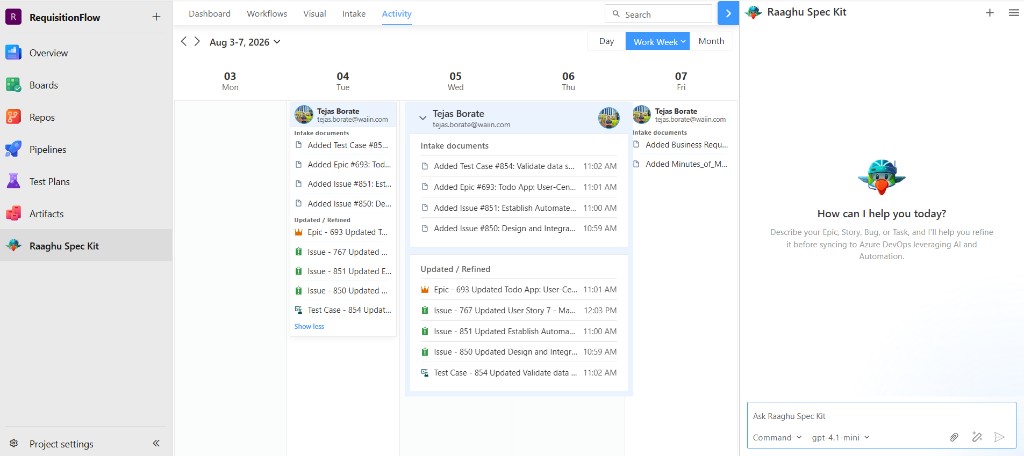
| View | Shows |
|---|---|
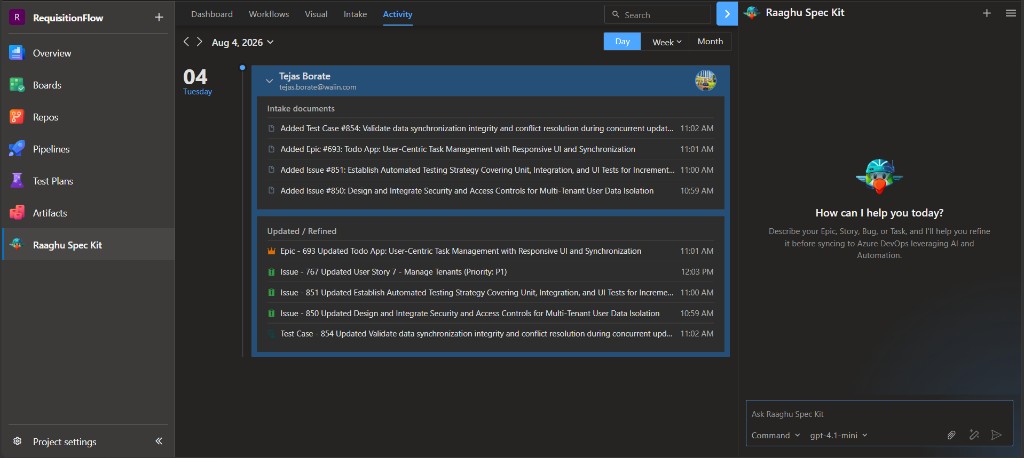
| Day | One day as a vertical timeline |
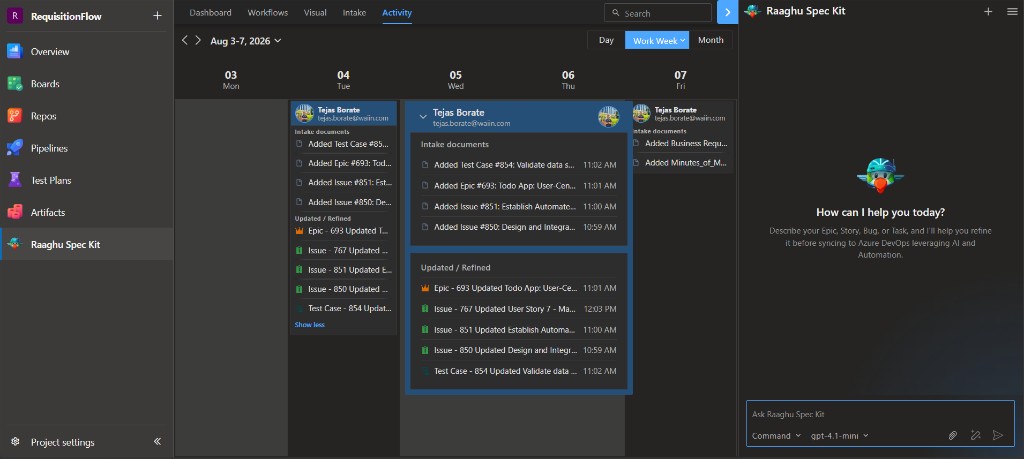
| Work Week | Five weekdays as columns |
| Month | Full month calendar |
Use the arrows or date label to change the period. Search filters entries by title, type, user, ID, or document name.
Day
Work Week
Month
How entries are grouped
Each user card can show:
- Intake documents
- Updated / Refined
- Created
- Deleted
Click a work item to open it in Azure DevOps.