My AI usage
My AI usage shows your personal hosted-AI spend and any personal monthly limit. Open it from the hamburger menu → My AI usage.
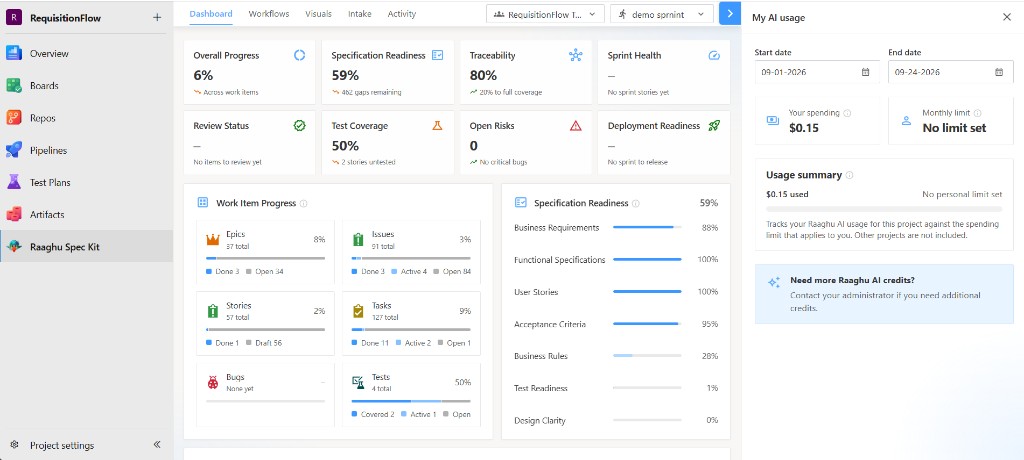
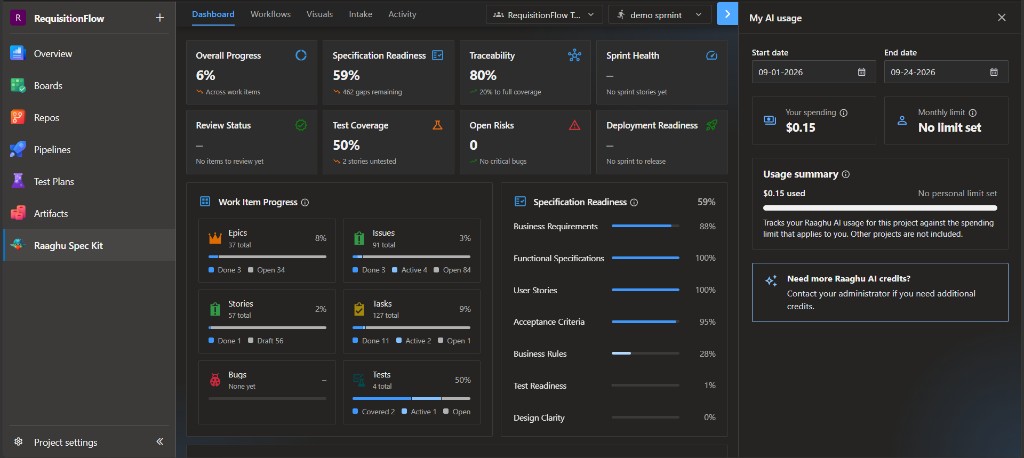
| Element | Meaning |
|---|---|
| Your spending | Spend for the selected period |
| Monthly limit | Personal cap set by an admin on Organization Settings → AI Settings → Raaghu AI Credits, or No limit set |
| Period | Start date / End date range (default last 30 days) |
| Usage summary | How much you used in this project against the spending limit that applies to you (other projects are not included) |
This reflects Raaghu AI (hosted) activity. BYOK usage is billed by your provider and is not shown here.
If you need more credits, the panel shows Need more Raaghu AI credits? — contact your administrator. Org-wide spend and spending limits are managed in Azure DevOps → Organization settings → Raaghu Spec Kit → AI Settings → Raaghu AI Credits.