聊天面板
右侧的 聊天面板 用于与 AI 对话、运行 Raaghu Spec Kit 命令,并跟随引导式 Workflows。
请先在 Settings 中连接 AI 提供商。若尚未配置,会显示 "LLM is not configured"。
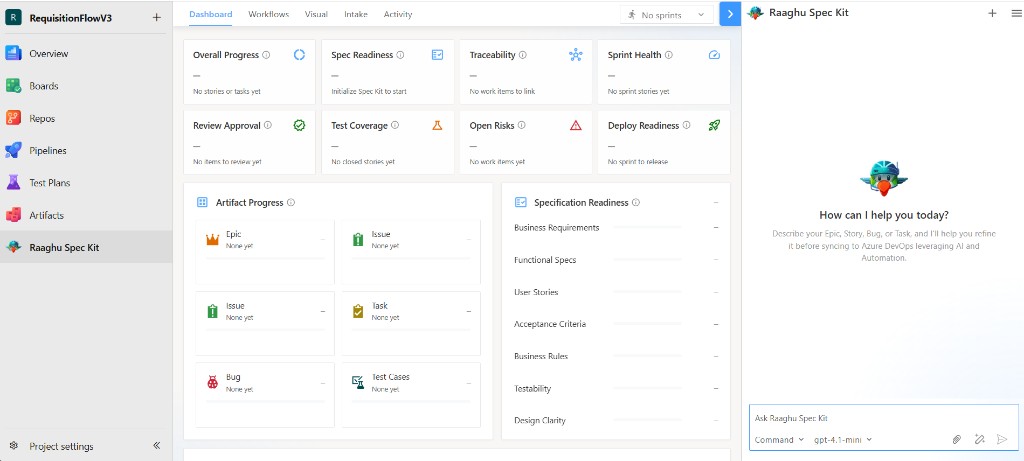
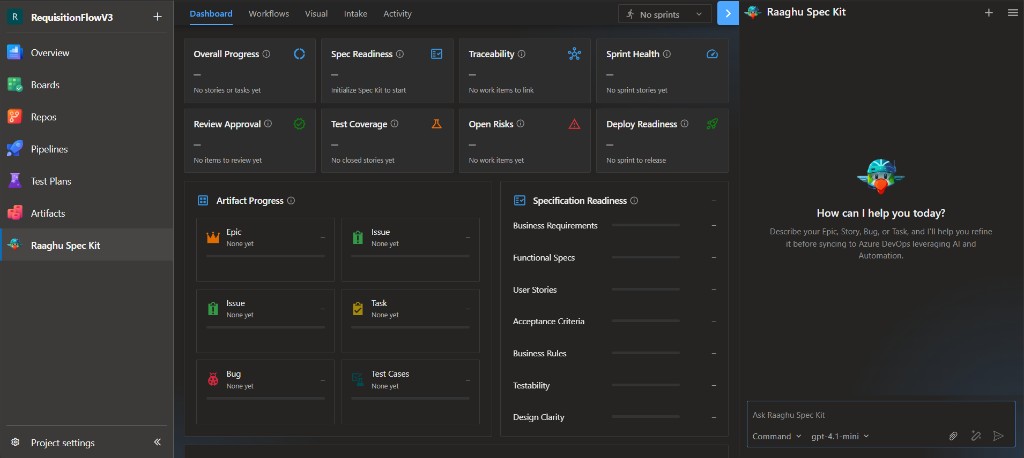
发送消息
- 在 Ask Raaghu Spec Kit 输入框中输入内容。
- 可选:选择 Command 并附加文件。
- 点击 Send。
使用 Command 下拉菜单运行 Raaghu Spec Kit 命令。若 Settings → Commands Mapping 设为 Default,会显示友好名称,例如 "Create Specification" — 这等同于 /speckit.specify。可使用 Command 标题和每个命令旁的 ⓘ 按钮查看产品内简短帮助(说明、应输入内容与示例)。参见 Raaghu Spec Kit 命令。
页脚显示当前使用的 AI 模型。Enhance prompt 可在发送前改写你的文本。
回复生成过程中可使用 Stop generating 取消。中断的回复可能显示 "Response stopped. Retry to run this prompt again" — 点击 Retry 可再次发送上一条提示。
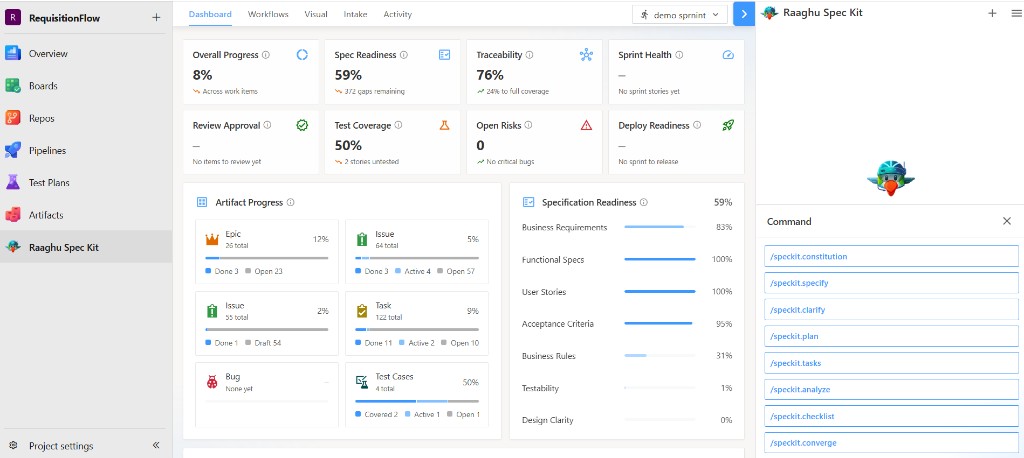
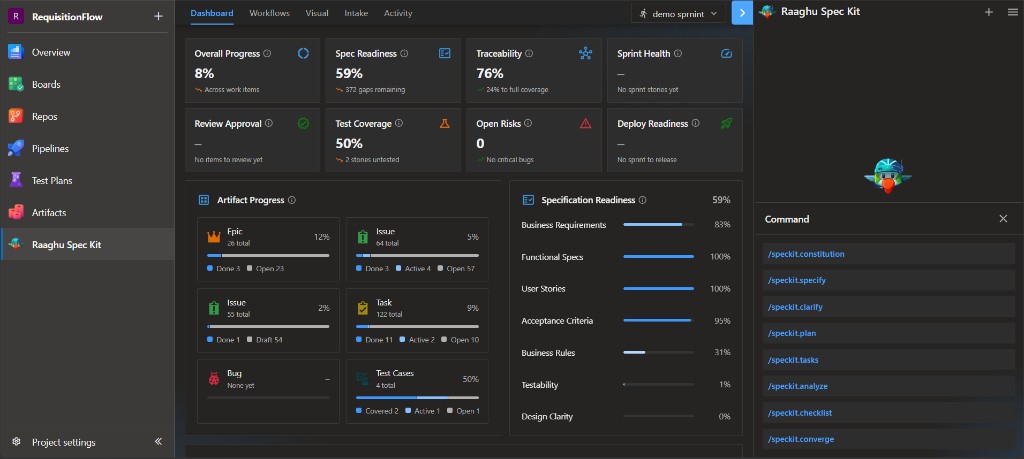
附加文件
点击 回形针 图标打开 Select Files。可从 Repos、Wiki、Boards、Backlogs 等选择,或从电脑上传(最多 4 个文件)。然后点击 Attach。
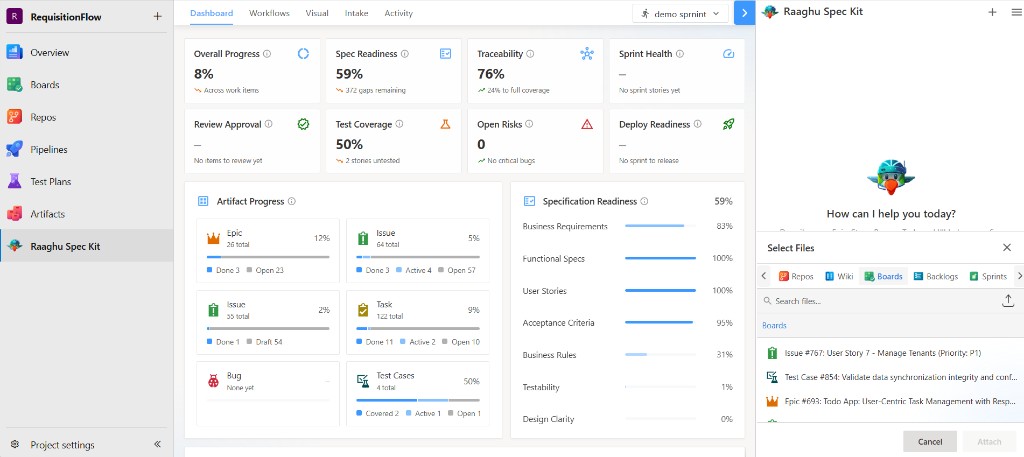
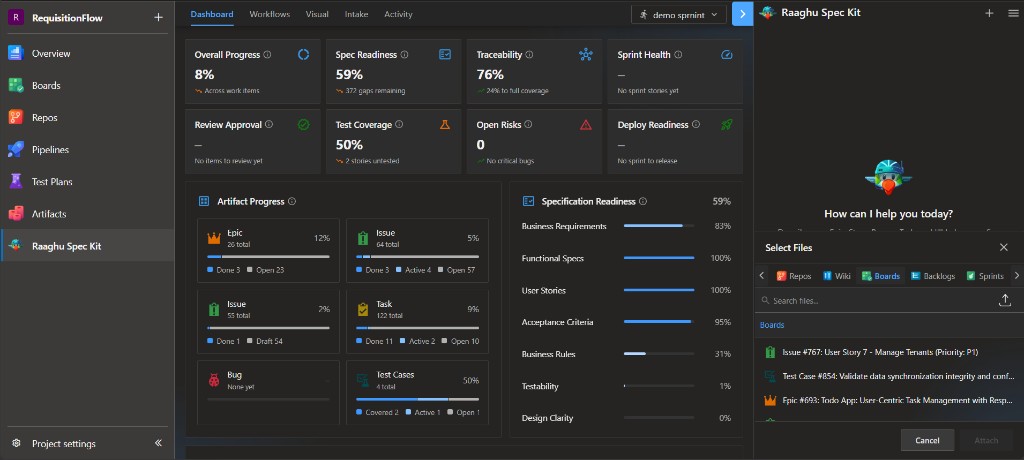
新聊天与历史记录
使用 + 开始新聊天。达到 20 条消息时会提醒你尽快开始新聊天。达到 25 条消息后必须开始新聊天才能继续。
汉堡菜单 包含:
| 项目 | 用途 |
|---|---|
| History | 本项目的历史聊天会话 |
| My usage | 个人托管 AI 消费 |
| Contact Us | 向 Raaghu 团队发送消息 |
| Report Issue | 报告问题 |
| About Us | 产品名称、版本与致谢 |
| Settings | AI 与命令显示设置(仅对组织管理员和 Project Administrators 可见) |
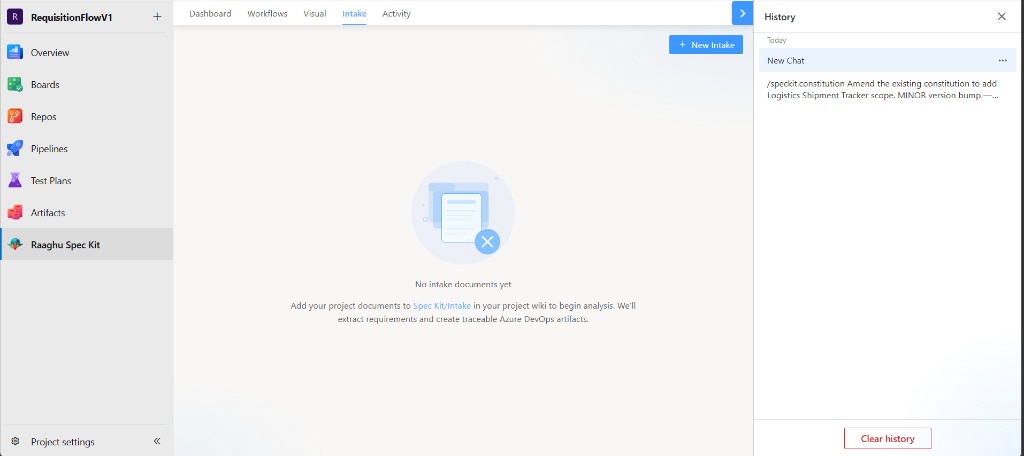
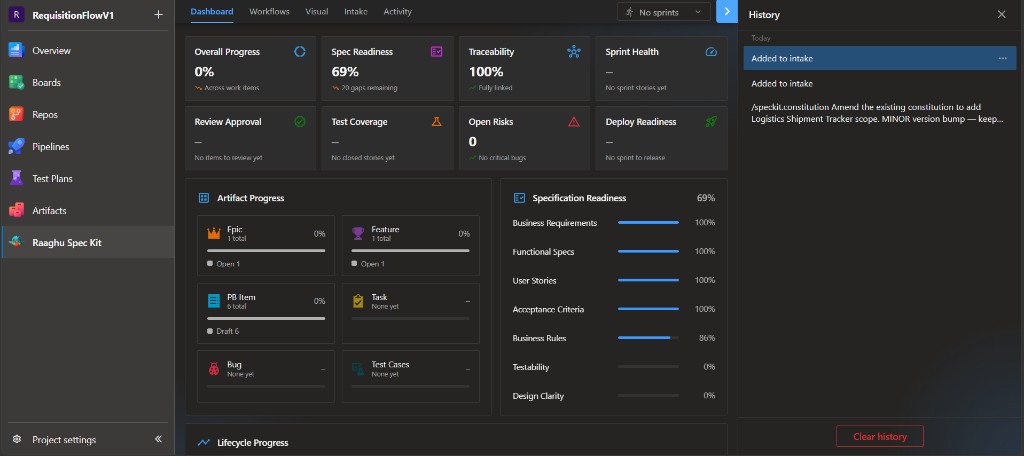
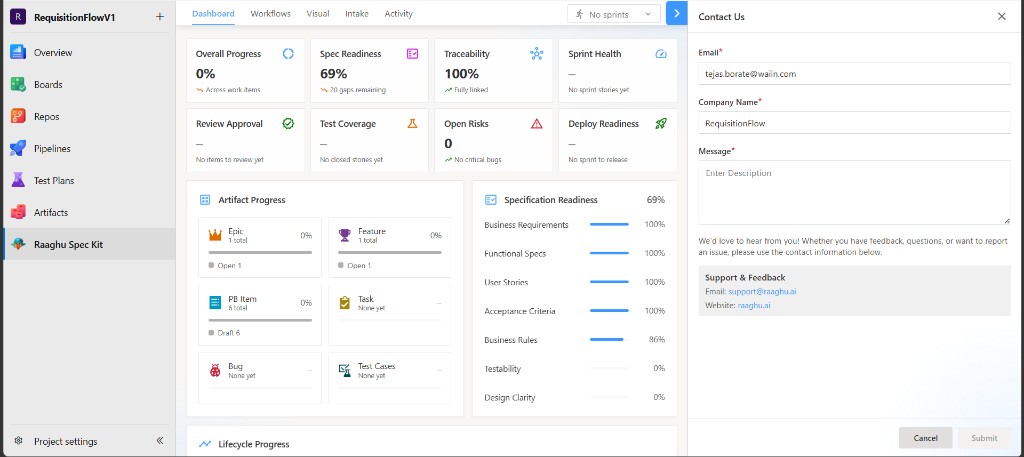
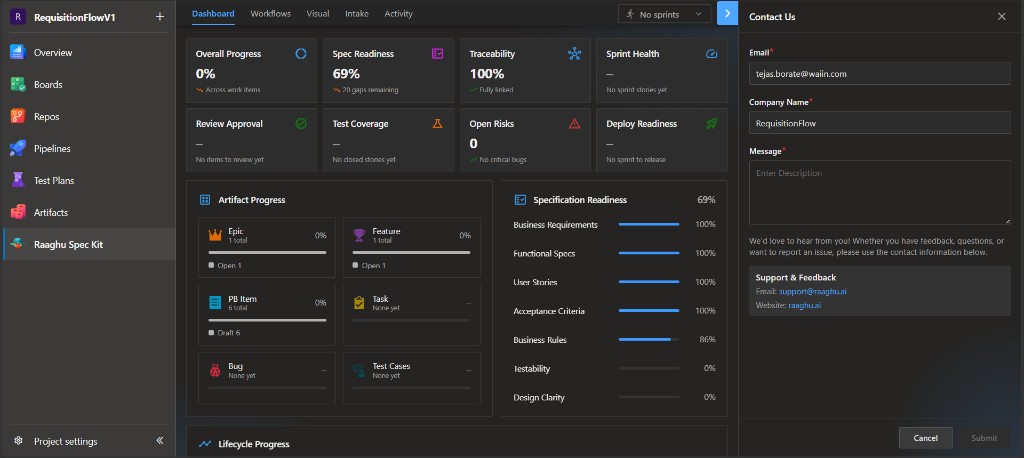
Contact Us 会打开包含邮箱、公司名称和留言的表单。也可联系 support@raaghu.ai。
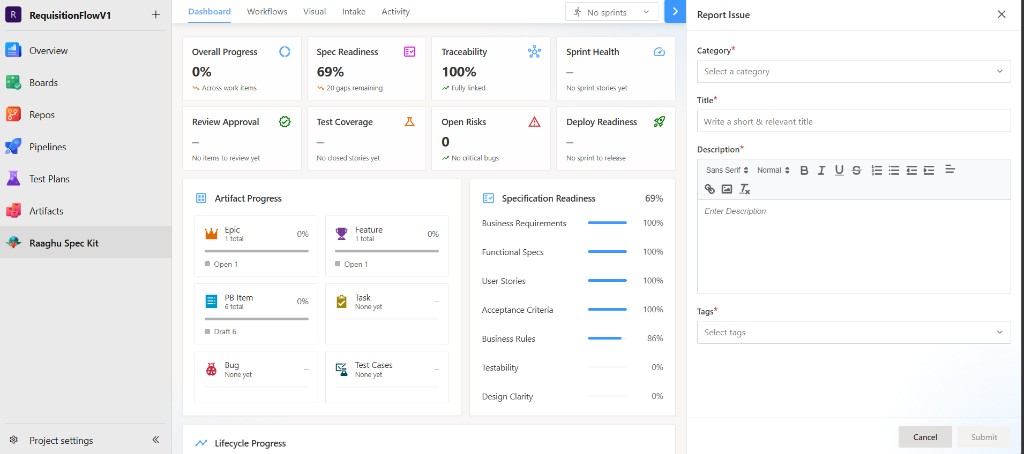
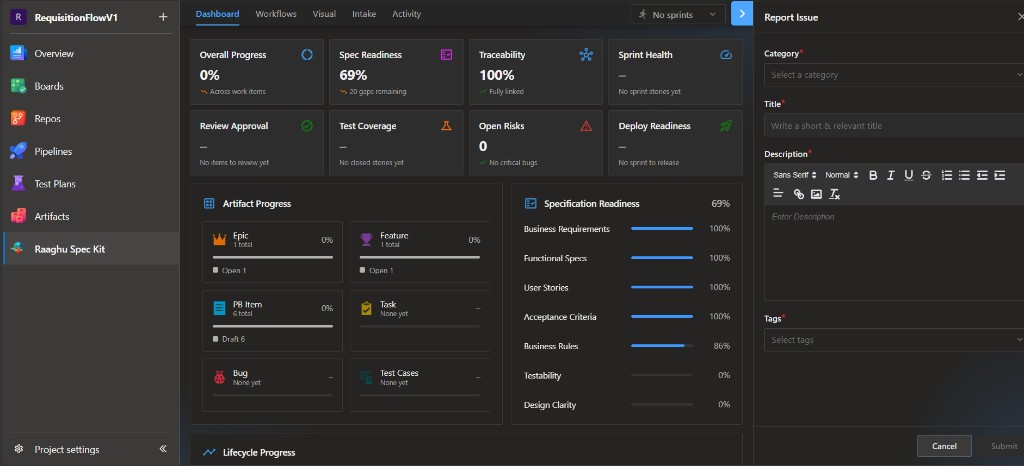
Report Issue 需要填写类别、标题、描述和标签。
上下文菜单
在 Azure Boards 或 Queries 中,打开工作项上下文菜单 → Raaghu,进行审查、优化、验收标准、子项与测试用例操作。参见 上下文菜单。