My AI usage
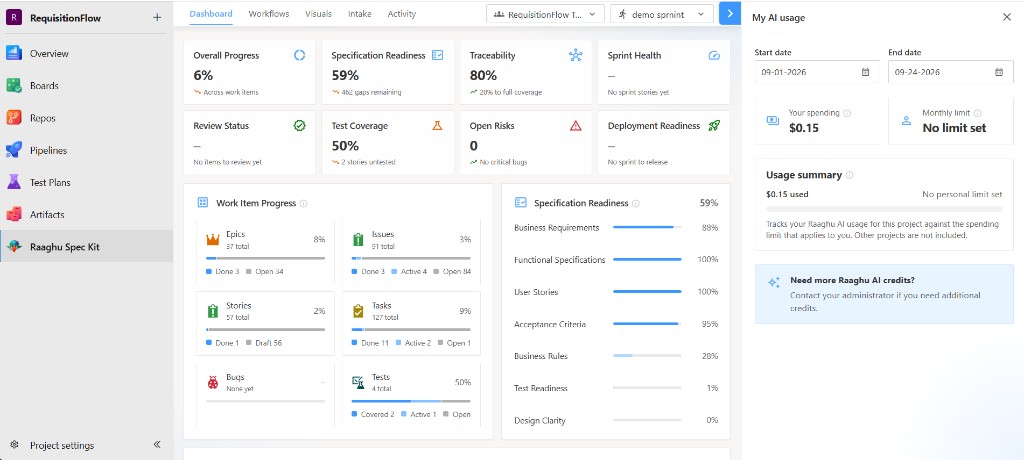
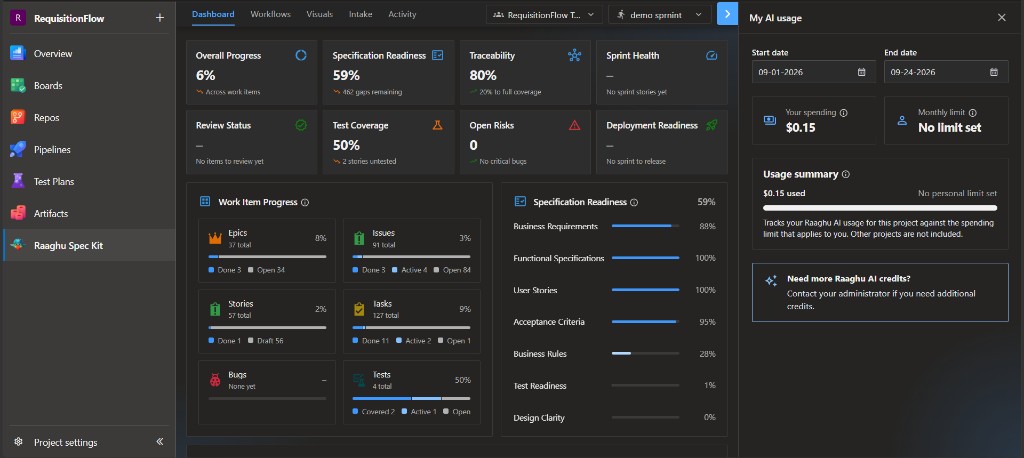
My AI usage shows your personal hosted-AI spend and any personal monthly limit. Open it from the hamburger menu → My AI usage.
| Element | Meaning |
|---|---|
| Your spending | Spend for the selected period |
| Monthly limit | Personal cap set by an admin on Organization Settings → AI Settings → Raaghu AI Credits, or No limit set |
| Period | Start date / End date range (default last 30 days) |
| Usage summary | How much you used in this project against the spending limit that applies to you (other projects are not included) |
This reflects Raaghu AI activity. Bring-your-own-LLM-key usage is billed by your provider and is not shown here.
If you need more credits, the panel shows Need more Raaghu AI credits? — contact your administrator. Org-wide spend and spending limits are managed in Azure DevOps → Organization settings → Extensions → Raaghu Spec Kit → AI Settings → Raaghu AI Credits.